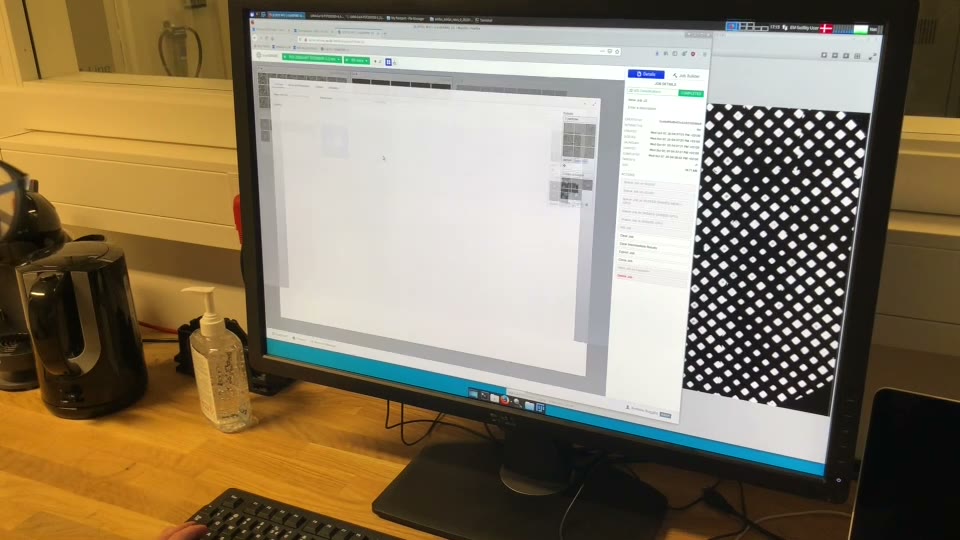
Brand and press
Logos, colours, templates and press material for EMBION
Press kit
Ready-made descriptions, the right way to write our name, photographs of the instruments and the team, and who to talk to.
Descriptions
EMBION is the Danish National Cryo-EM Facility, Aarhus Node, hosted by the Department of Molecular Biology and Genetics (MBG) at Aarhus University with the University of Copenhagen as co-host.
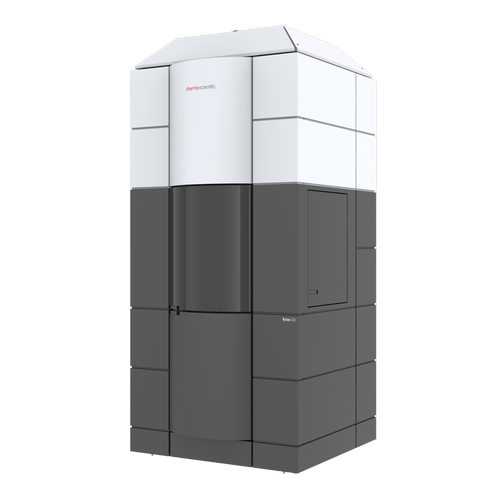
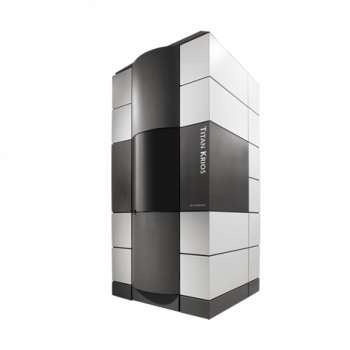
EMBION, the Danish National Cryo-EM Facility – Aarhus Node, is a cryo-EM consortium between Danish universities, hosted by the Department of Molecular Biology and Genetics (MBG) at Aarhus University with the University of Copenhagen as co-host. Cryogenic electron microscopy (cryo-EM) allows for collection of high resolution data from a range of samples including protein molecules, macromolecular complexes or cells. Funded through the Danish Roadmap for Research Infrastructures by the Ministry of Higher Education and Science, the facility offers local, national, international academic and industrial users access to state of the art cryo-EM instruments, including Titan Krios transmission electron microscopes, and specialist assistance in areas including single particle analysis and tomography.
How to refer to us
- Full name
- The Danish National Cryo-EM FacilityAdd “Aarhus Node” where the node matters.
- Short form
- EMBIONAlways in capitals in running text.
- Host
- Department of Molecular Biology and Genetics (MBG), Aarhus UniversityWith the University of Copenhagen as co-host.
The lowercase “embion” is the logo wordmark only. In text, write EMBION.
Instrument photographs
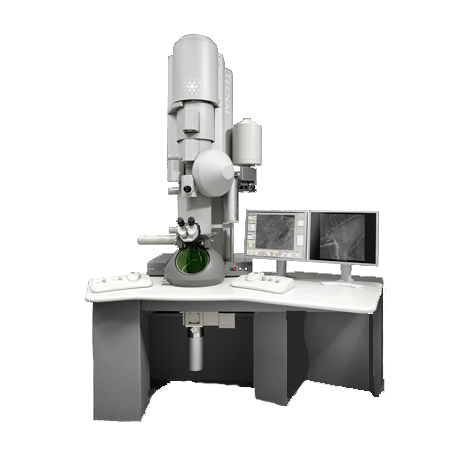
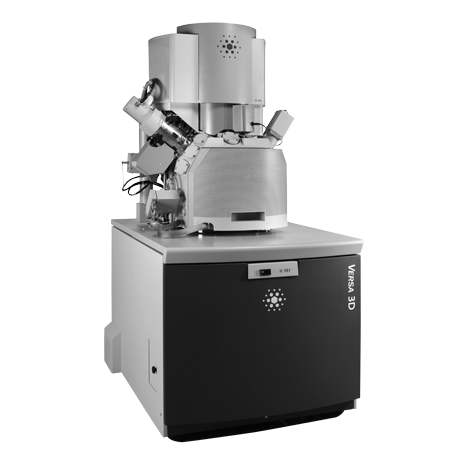
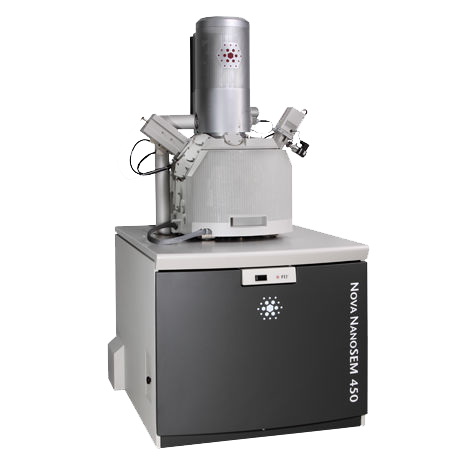
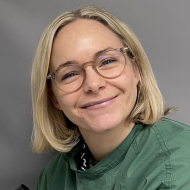
Team photographs
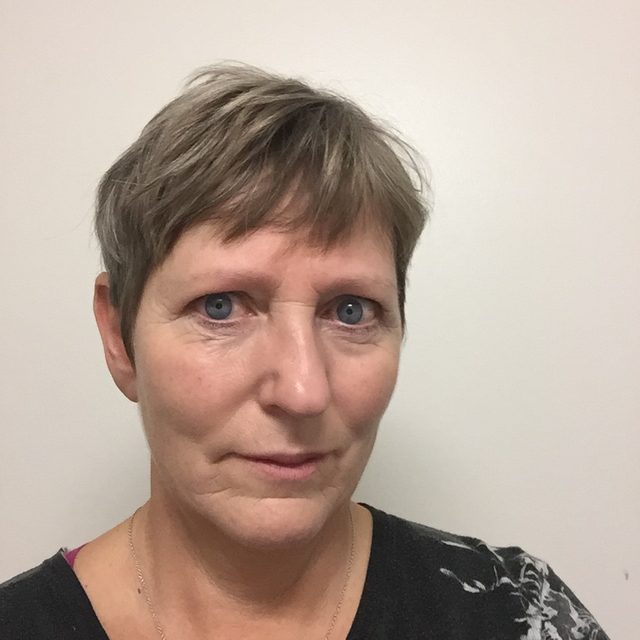
Portraits of the team as shown on the About page. Some are small; ask before printing them large.










Press contact
Use the contact form, or write to the facility directly.
Thomas Boesen, Scientific Director
thb@mbg.au.dk
Universitetsbyen 81, Building 1872
8000 Aarhus C, Denmark
Logo
Three versions of the EMBION logo. If you reference EMBION, choose the one that suits the background. We encourage stories and publications about EMBION and would like to hear about them, so we can share them on our social media.










Use the SVG wherever you can. The PNGs have a transparent background; the number is the width in pixels.
Clear space
Keep a margin of at least x on every side, where x is the height of the logo’s blue “o”. Nothing else (text, other logos, the edge of the page) goes inside it.

Minimum size
At least 56 px wide on screen (15 mm in print), so the wordmark stays legible; that is about the size it has in this site’s top bar.
Do and don’t
Do: Colour logo on light

Do: White logo on dark
Don’t stretch or squash
Don’t recolour
Don’t rotate
Don’t use the colour logo on dark
Also don’t add shadows, outlines or other effects, and don’t rearrange or redraw parts of the logo.
Colour
Cool neutrals carry the design. One blue is used for actions, links and focus; green, amber and red only for status. The values below come straight from the design tokens shared by the website and the app.
EMBION blue
EMBION blue: the logo and every action
The blue of the logo is also the accent for buttons, links and focus. The dark theme uses a lighter step of the same blue.
Interface colours, light and dark
| Role | Light theme | Dark theme |
|---|---|---|
| Foreground primary | ||
| Foreground secondary | ||
| Background primary | ||
| Background secondary | ||
| Border primary | ||
| Accent primary | ||
| Accent foreground | ||
| Focus ring | ||
| Success primary | ||
| Warning primary | ||
| Danger primary |
Palette
Gray
- 0
- 25
- 50
- 100
- 150
- 200
- 300
- 400
- 500
- 600
- 700
- 800
- 850
- 900
- 925
- 950
- 1000
Blue
- 50
- 100
- 200
- 300
- 400
- 500
- 600
- 700
- 800
- 900
- 950
Green
- 50
- 100
- 400
- 500
- 600
- 700
- 950
Amber
- 50
- 100
- 400
- 500
- 600
- 700
- 950
Red
- 50
- 100
- 400
- 500
- 600
- 700
- 950
Typography
One typeface, Inter, in three weights. Headings are semibold, body text regular and labels medium. Where Inter is not available (in Office, say), use Arial.
Type ramp
The Danish National Cryo-EM Facility
The Danish National Cryo-EM Facility
The Danish National Cryo-EM Facility
The Danish National Cryo-EM Facility
The Danish National Cryo-EM Facility
The Danish National Cryo-EM Facility
The Danish National Cryo-EM Facility
The Danish National Cryo-EM Facility
The Danish National Cryo-EM Facility
Writing style
Write the way the portal works: clear, direct and calm. These guidelines apply to the website, the app, slides and press material.
Sentence case for headings, buttons and labels
Capitalise the first word and names only, as the app does. No full stop after a heading or a button.
BeforeMeet the Team
AfterMeet the team
EMBION in capitals
The lowercase form is the logo wordmark, not the name.
BeforeWith the embion portal you are able to track your data live
AfterWith the EMBION portal you can follow your data live
Plain words, short sentences
Lead with what the reader can do. One idea per sentence; cut words that do not change the meaning.
BeforeApplications for instrument time also goes through the portal for an easy and collaborative workflow.
AfterApply for instrument time in the portal.
Talk to the reader
Address the reader as “you” and the facility as “we”.
BeforeUsers can apply for introductory training in TEM
AfterYou can apply for introductory training in TEM
Write numbers and units the same way every time
Currency code first, then the amount; spell out “million”.
Before30.8 mio DKK
AfterDKK 30.8 million
Check apostrophes and spelling
Small slips cost trust. Read headings aloud before publishing.
BeforeYou cant innovate without the best instruments
AfterYou can’t innovate without the best instruments
One word for the things you book
They are instruments, everywhere: never devices, machines or scopes. Say microscope only for a microscope.
BeforeBook time on the machine
AfterBook time on the instrument
Templates
For staff presenting EMBION: a slides template in the brand colours and type, and the acknowledgement to use in publications.
PowerPoint, Keynote or Google Slides
Add a slide with Home › New Slide and pick a layout, then type into the placeholders. To replace a picture, delete it and drag your own onto the empty placeholder; it is cropped to fit. Uses Inter (free from Google Fonts); falls back to Arial.
LaTeX
Upload the zip to Overleaf as a new project, or unzip it and build the example deck. Works with pdfLaTeX, XeLaTeX and LuaLaTeX; the README lists the layouts.
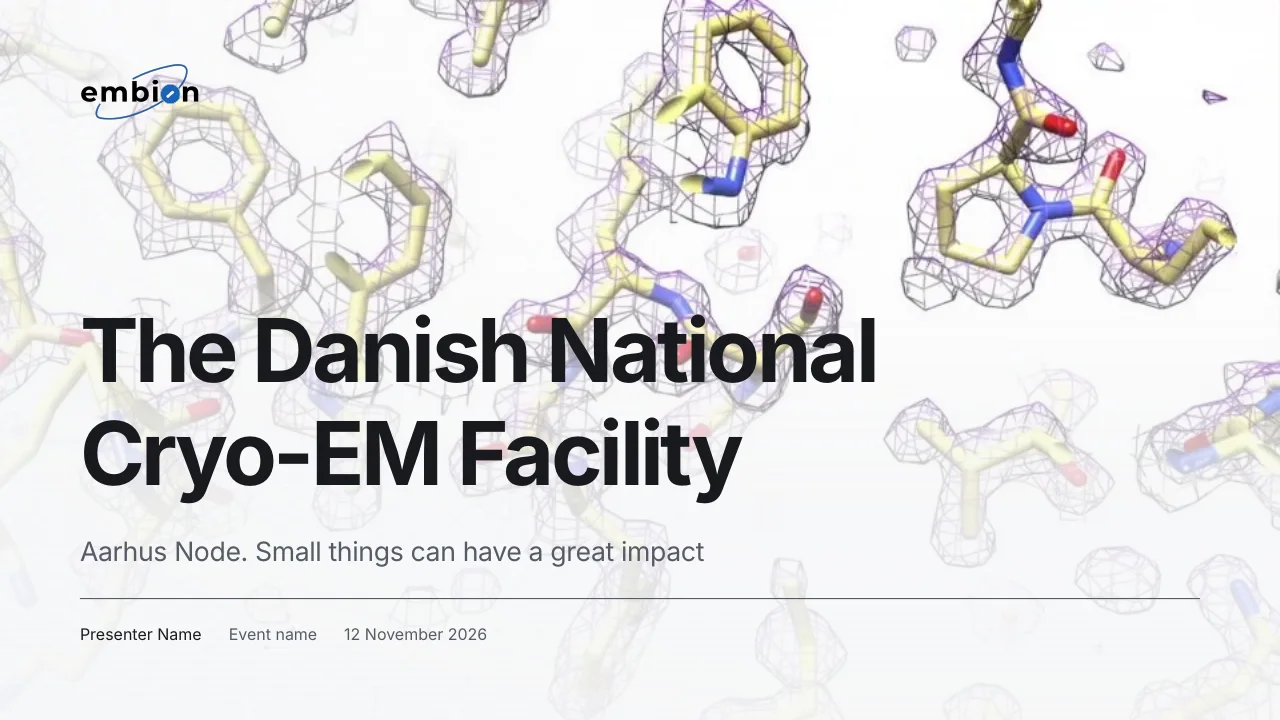 Title
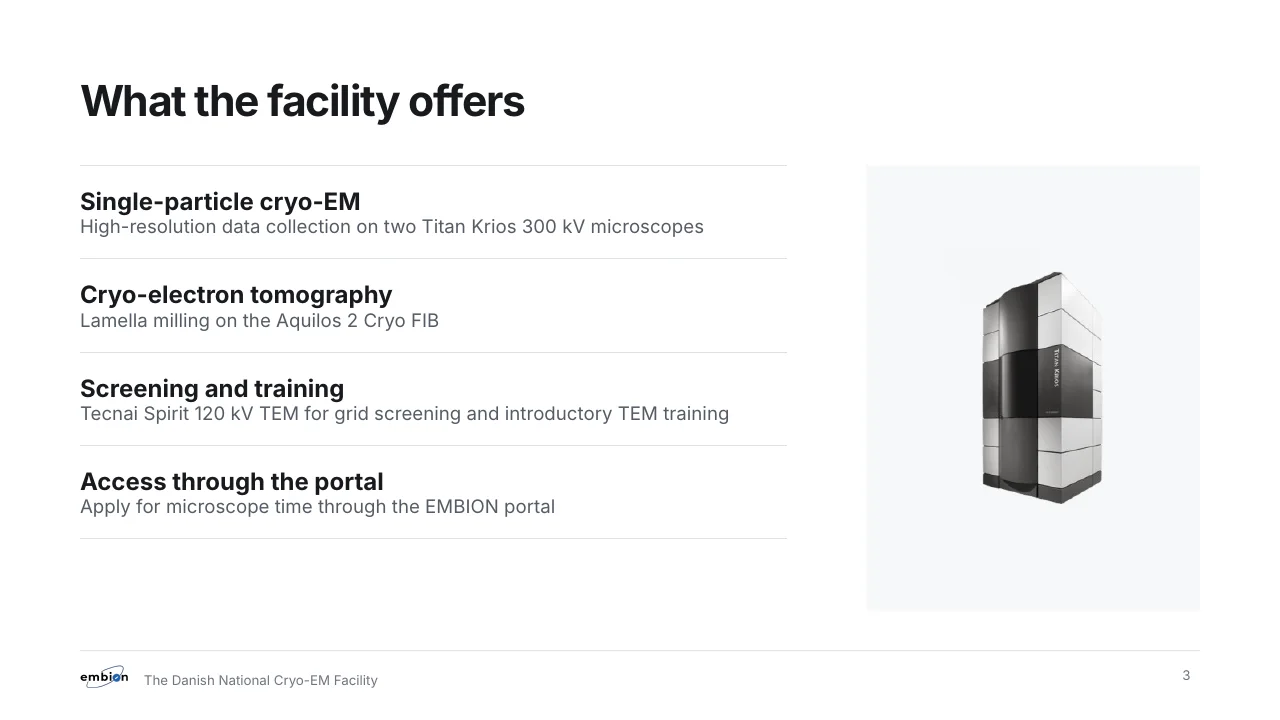 Title and content
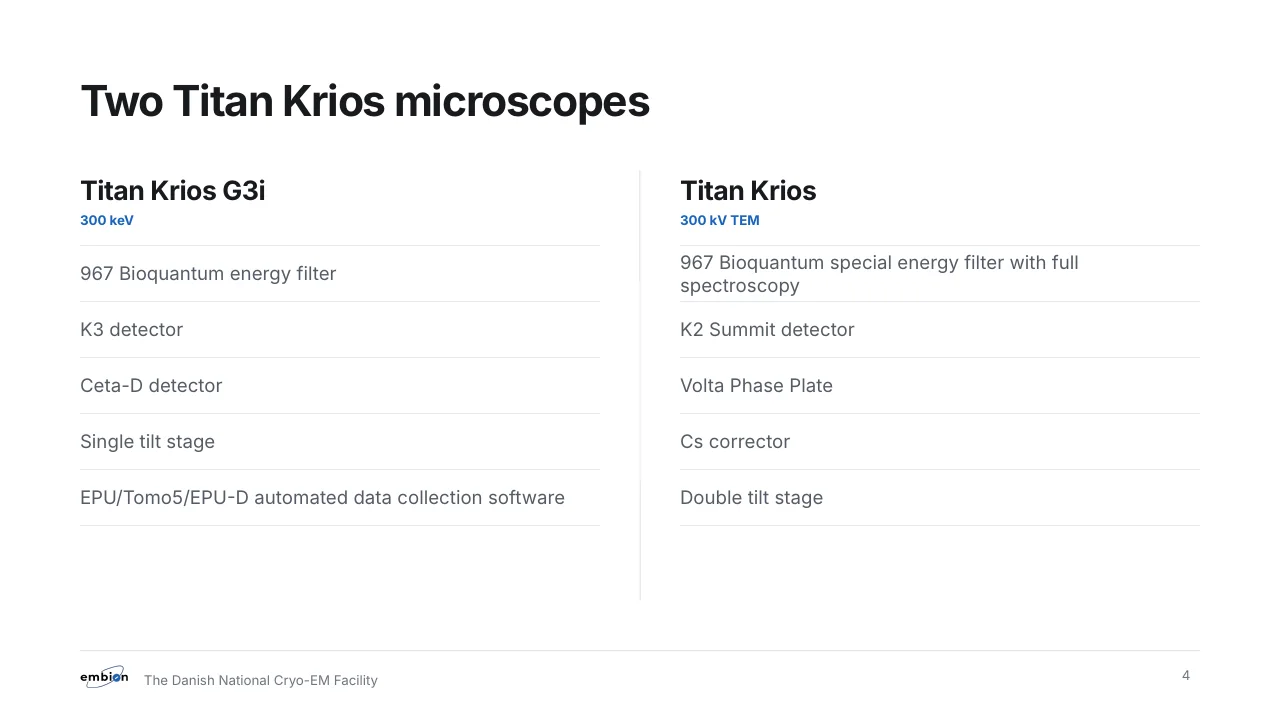 Two columns
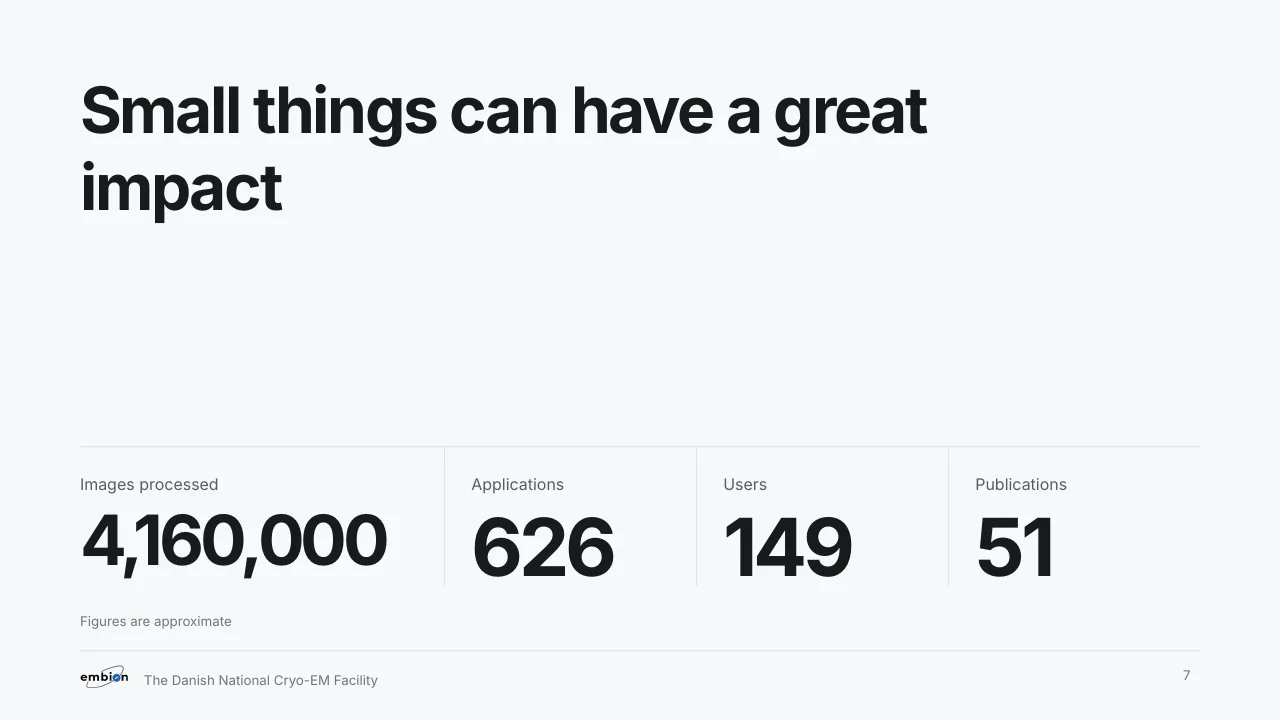 Big number
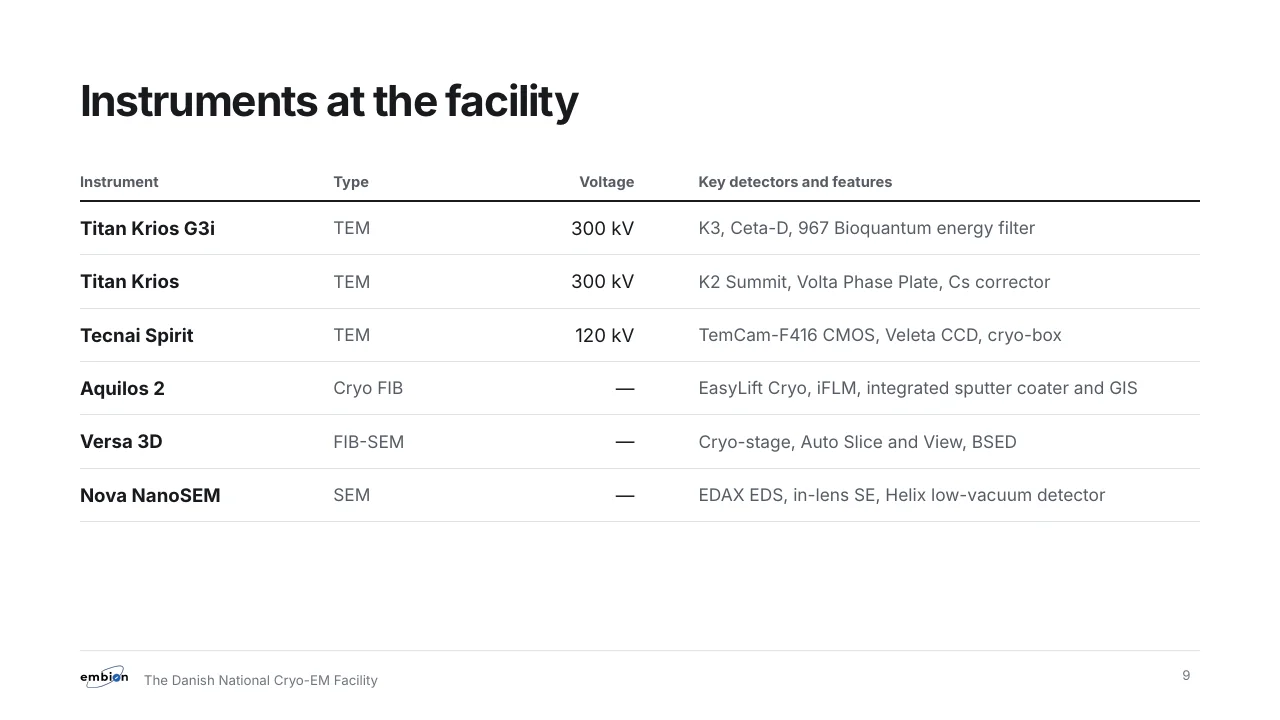 Table
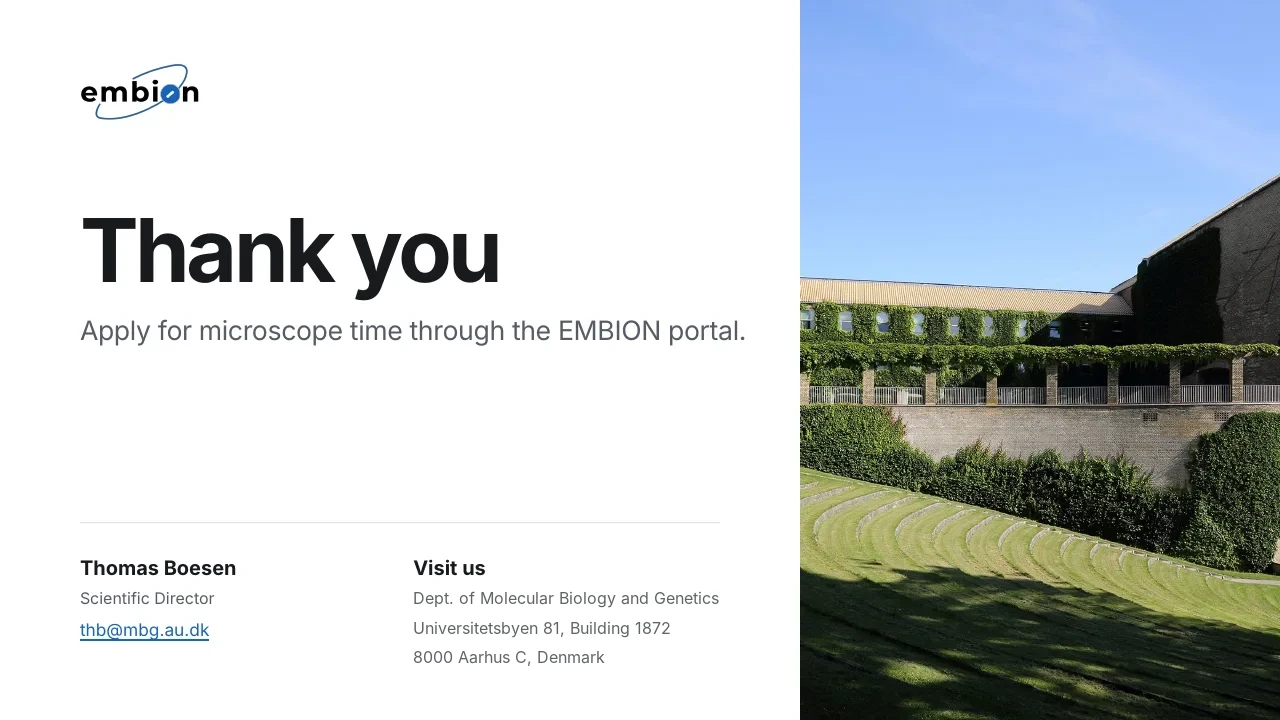 Closing
We acknowledge the EMBION Cryo-EM Facility at iNANO, Aarhus University, for time under application ID XXXX.
Where XXXX is the application ID number. From the terms of service.
These guidelines as a PDF
The same content as this page, for printing or sending on.